Account Management
You can set the basic profile and system preferences of your Tier0 account.
Setting Account Profile
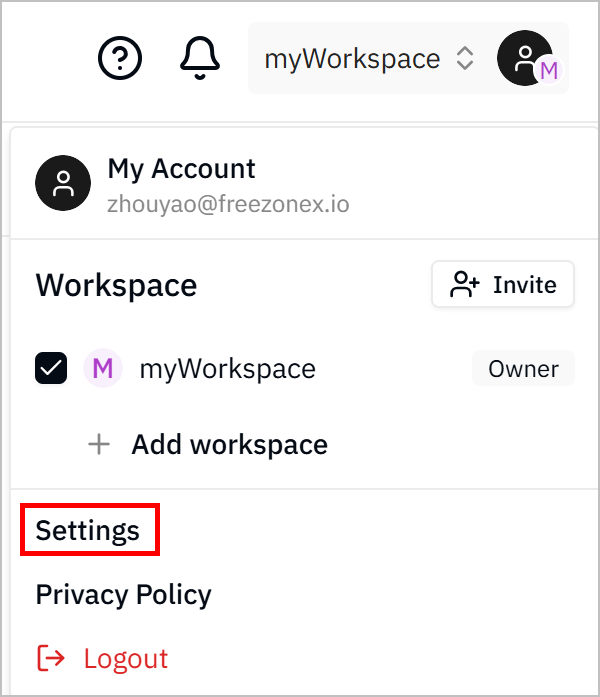
- Log in to Tier0, click your avatar at the upper-right corner, and then click Settings.
- Click Profile, and then modify your profile as needed, including avatar, nickname, and password and more.
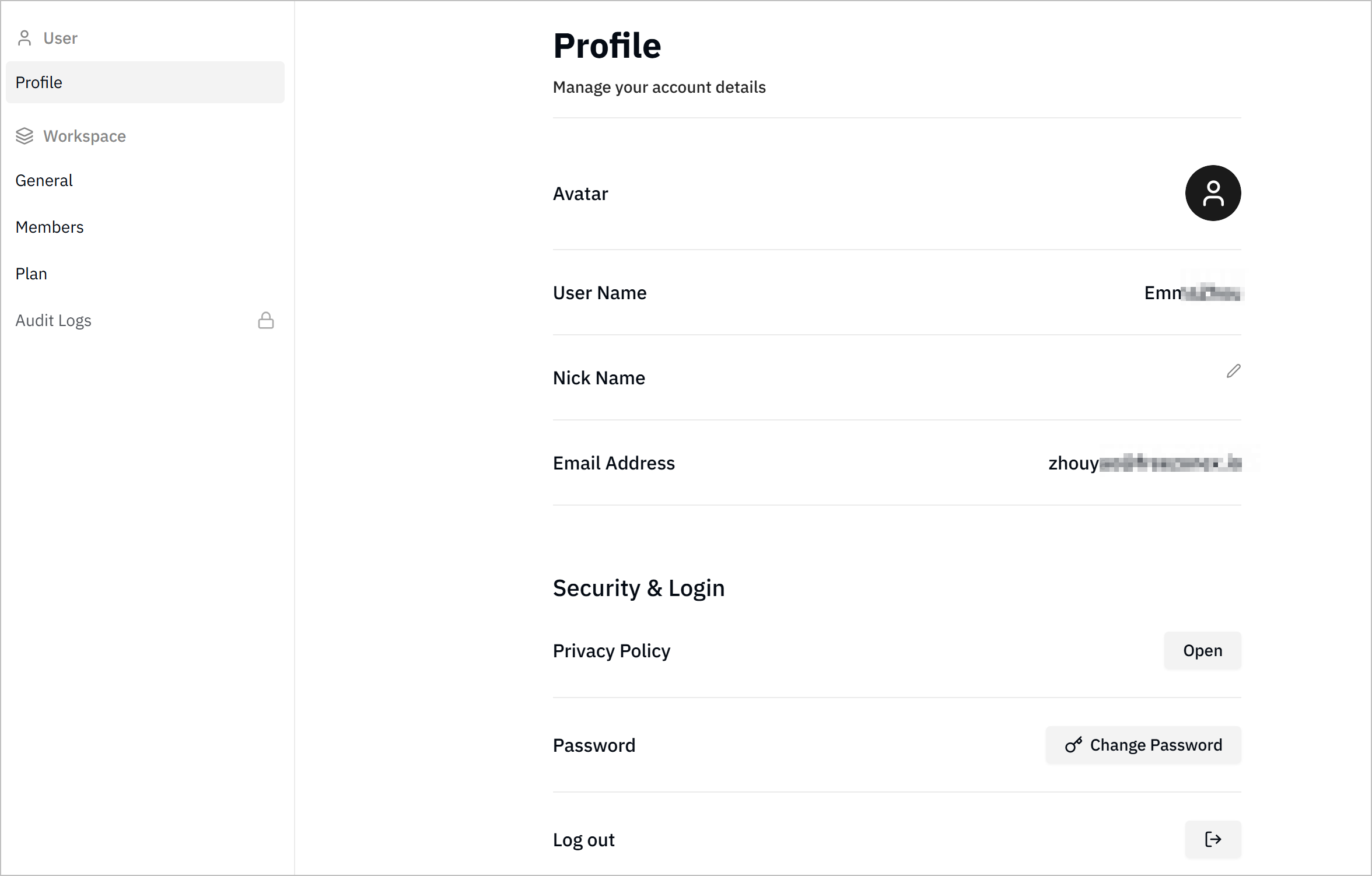
- Change avatar: Click the avatar to upload a new image.
- Change nickname: Click
 next to Nickname and enter a new one.
 - Click Open next to Privacy Policy to view the privacy policy of the platform.
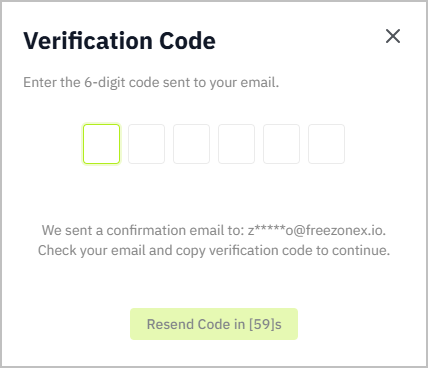
- Change password: Click Change Password, and enter the verification code sent to your email, and then change the password.
- Log out: Click
 next to Log out to log out of the platform.
Setting System Preferences
- Log in to Tier0, click your avatar at the upper-right corner, and then click Settings.
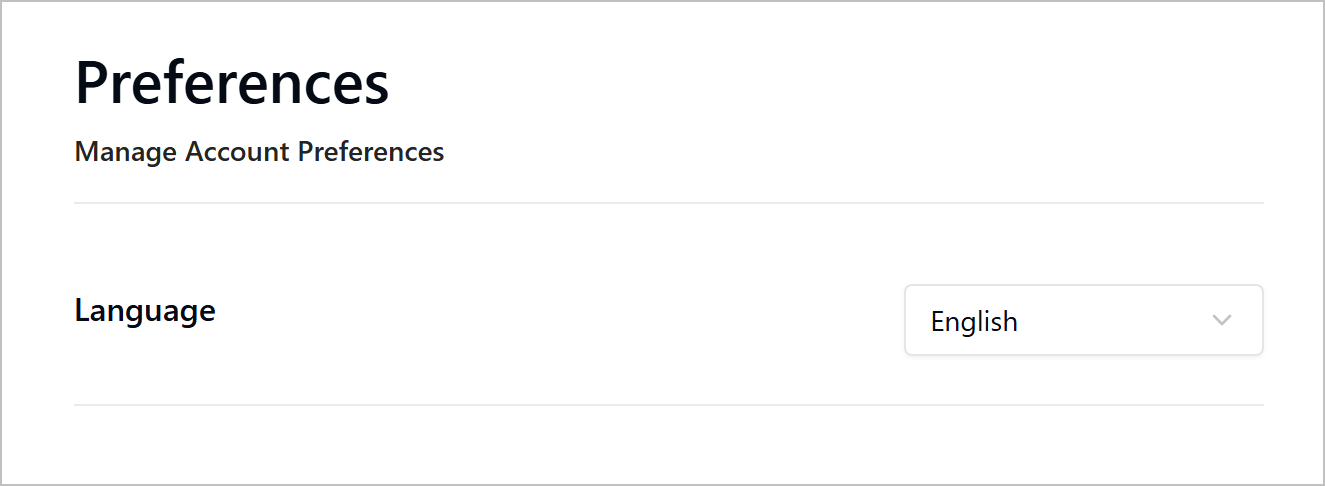
- Click Preferences, and then select the system language between Chinese and English.