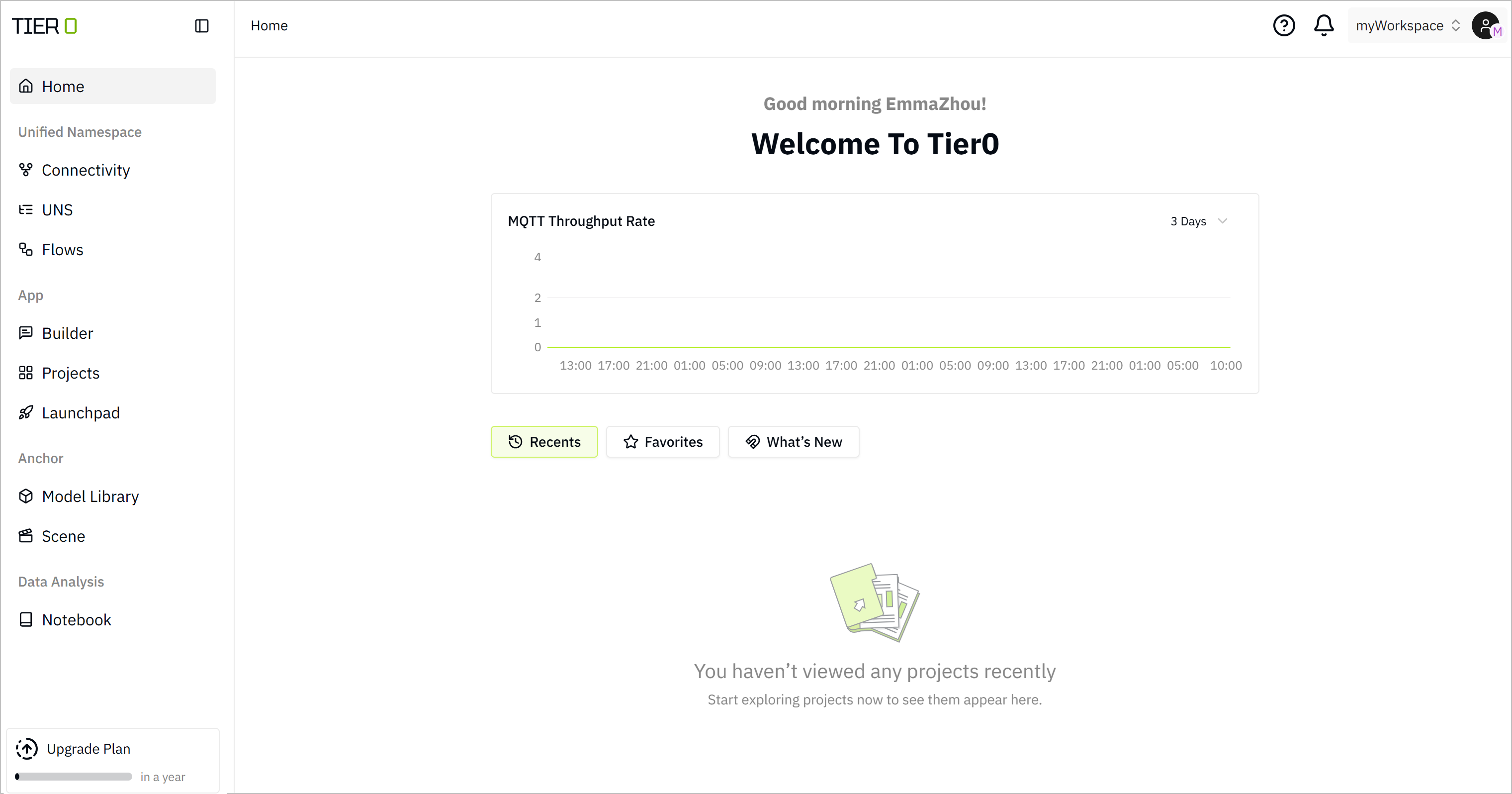
Login
- Access Tier0 with the given domain in a browser.
- On the login page, click Sign up here.
tip
You can also use either Google or Github account to quickly sign in.
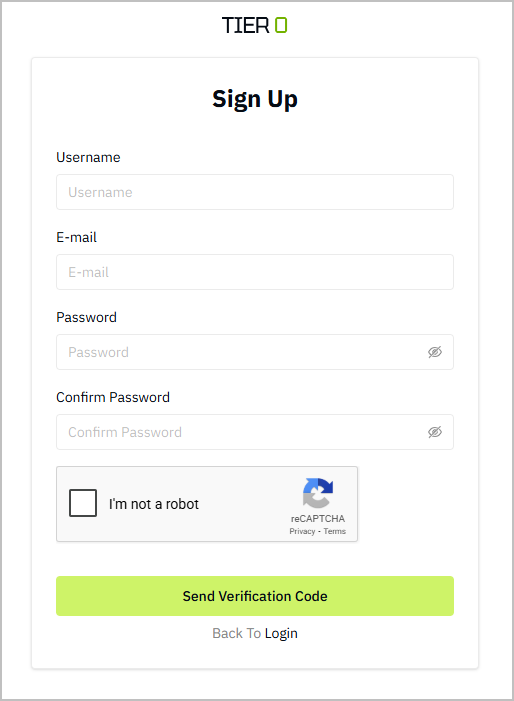
- Fill in the required information, receive the verification code in your email and go to the login page.
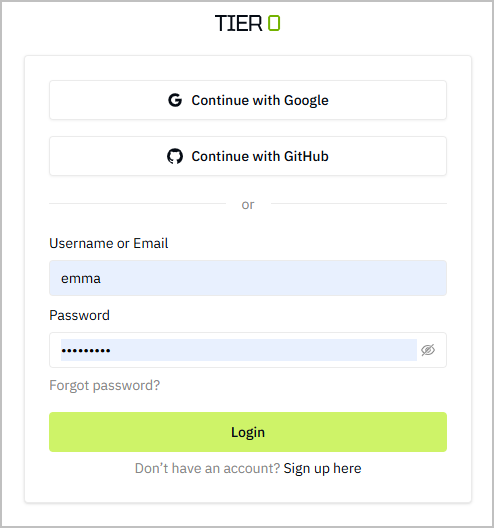
- Enter the registered username and password.
-
Click Login.
-
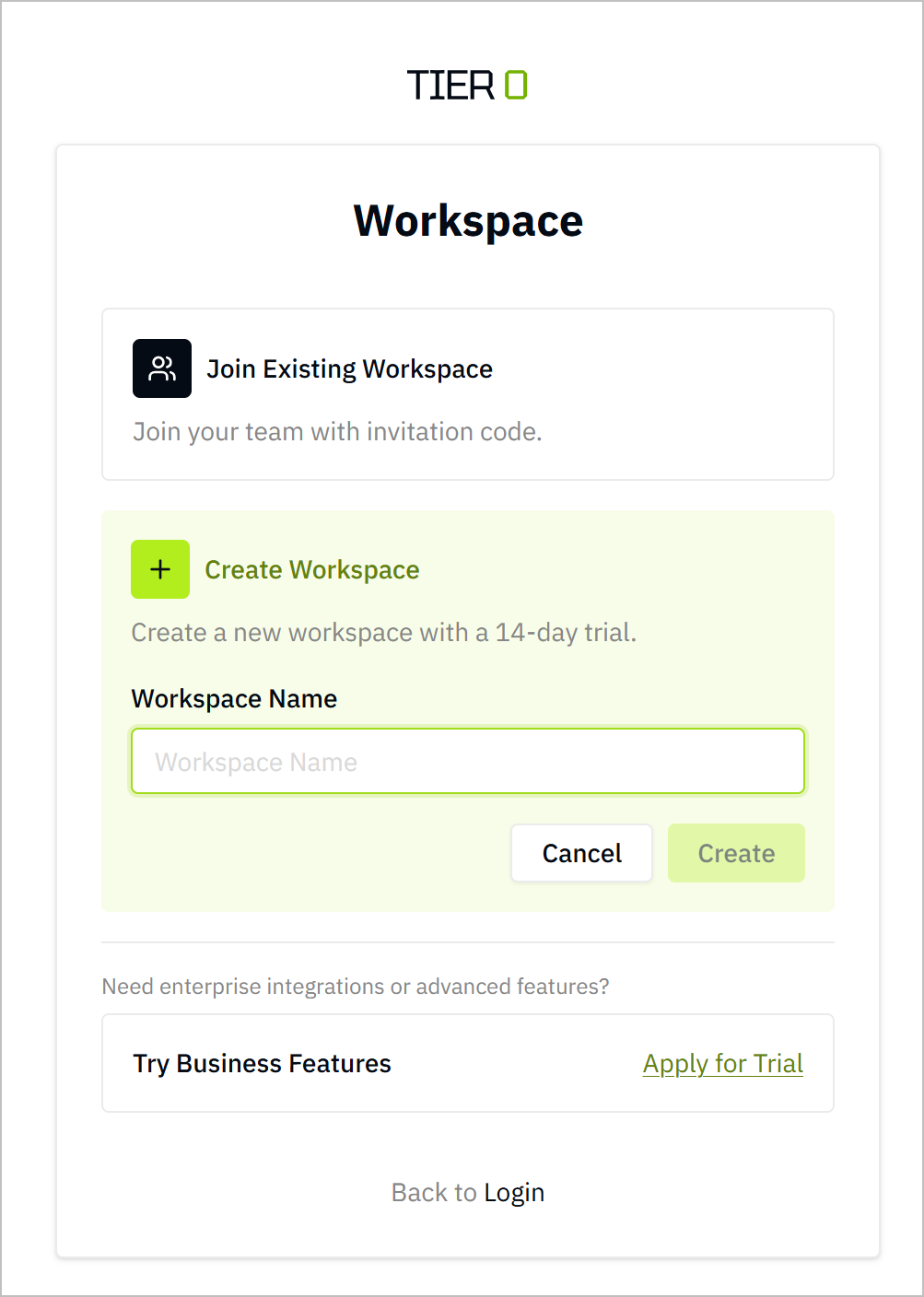
Enter the workspace.
-
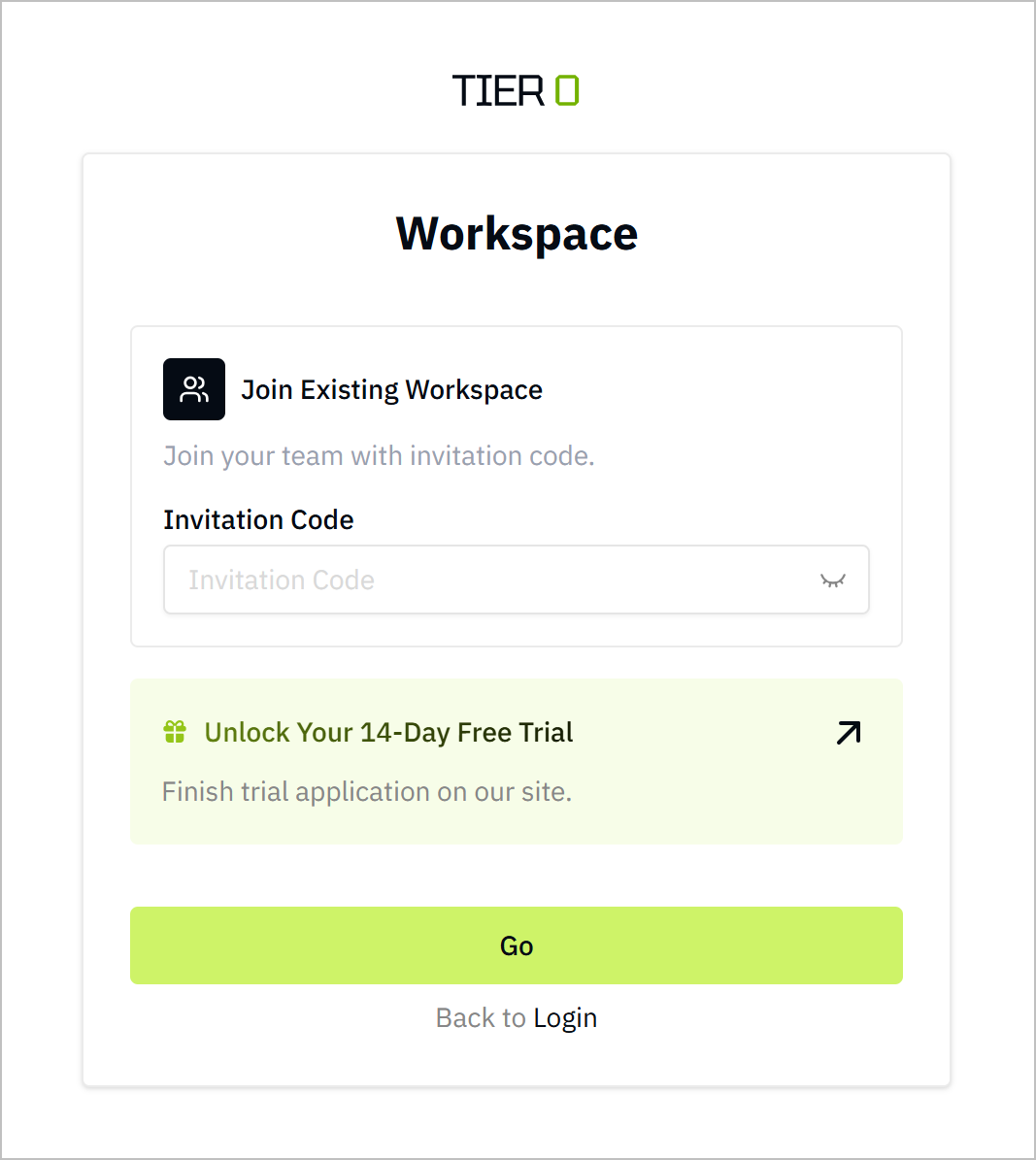
Enter the invitation code to an existing workspace, and then click Go.
 info
infoThe invitation code is only valid for 24 hours.
-
CLick Create Workspace, enter the name and click Create to create a new personal workspace.
-
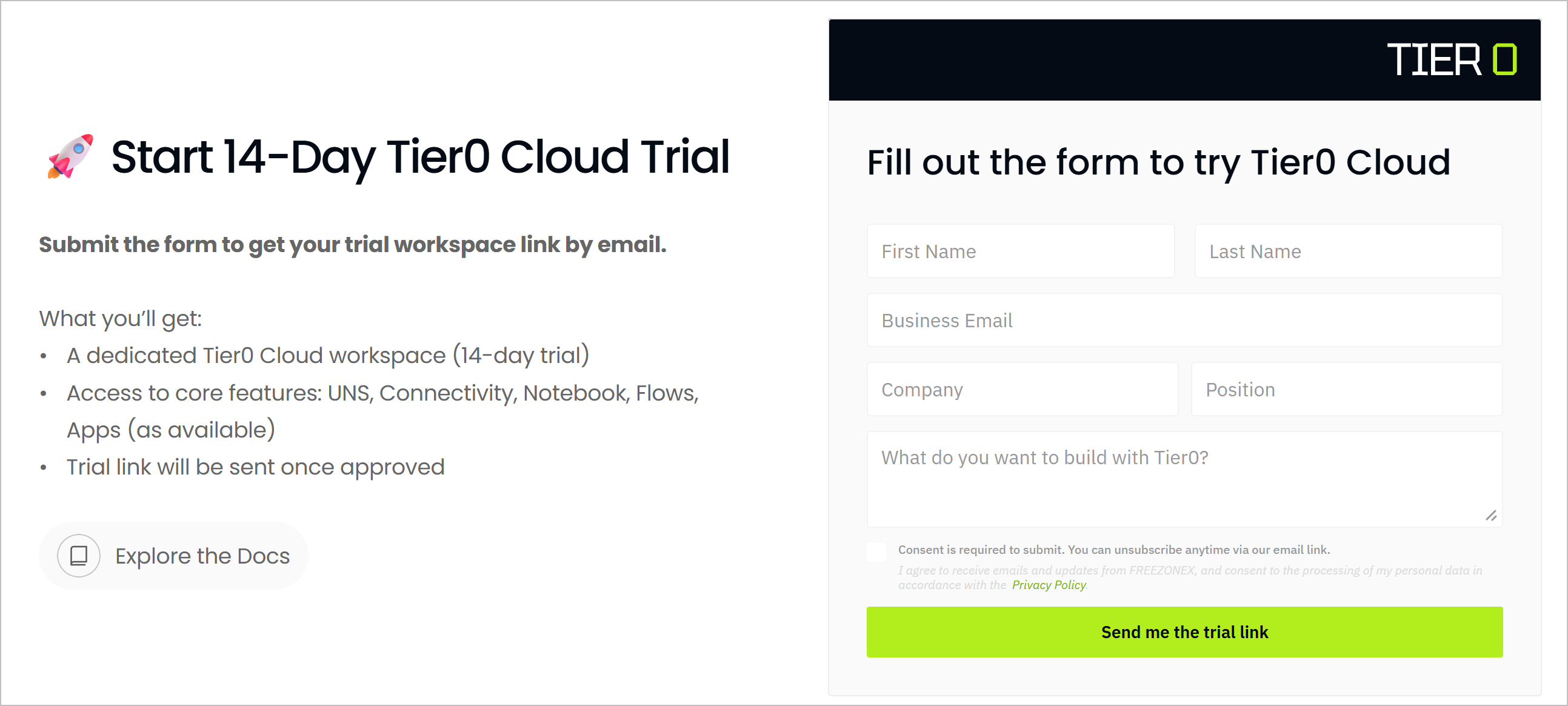
Click Unlock Your 14-Day Free Trial to apply for a new workspace.
-
Enter the required information on the official site, and click Send me the trial link.
-
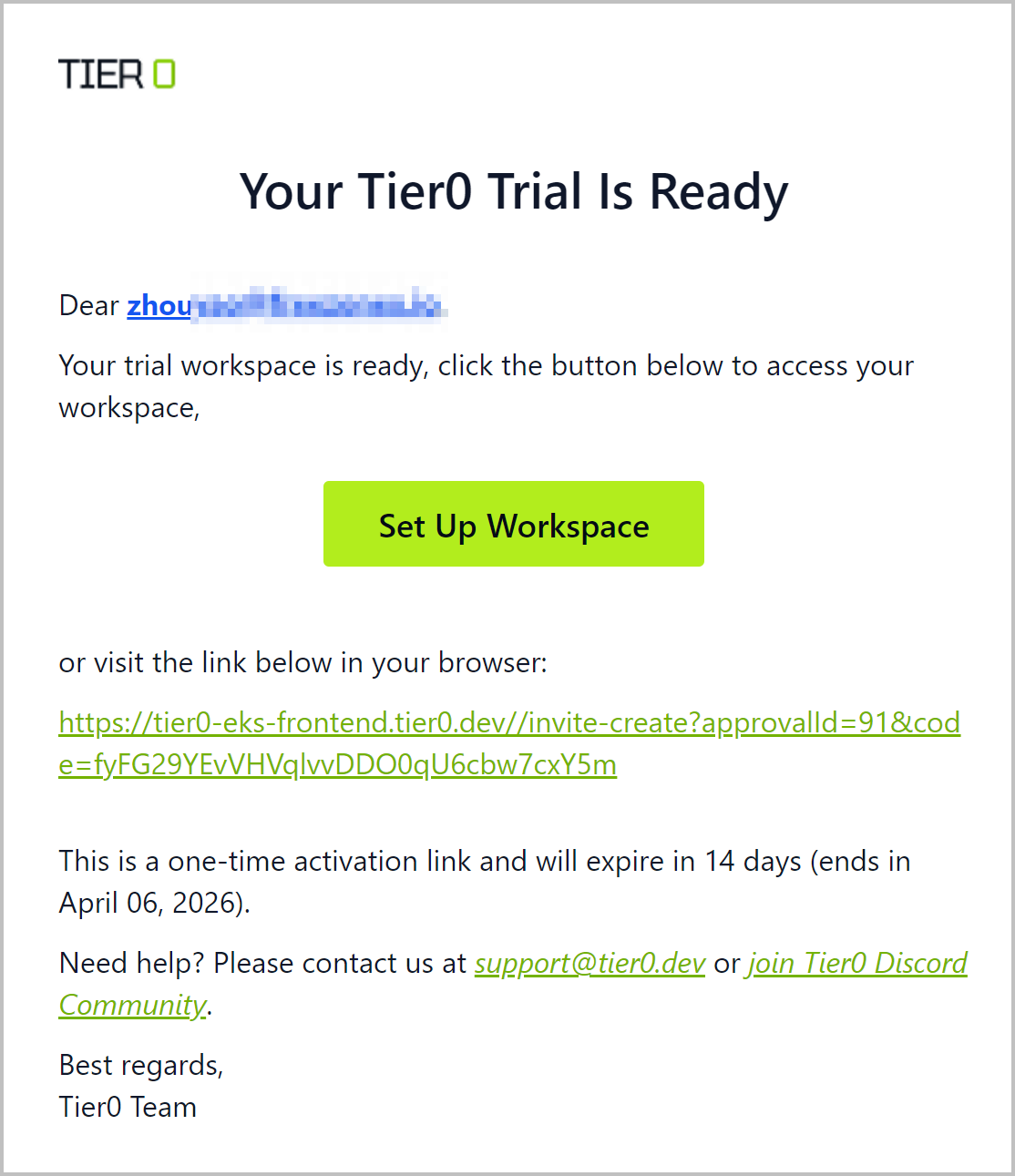
Click Set Up Workspace on the received approval email.
-
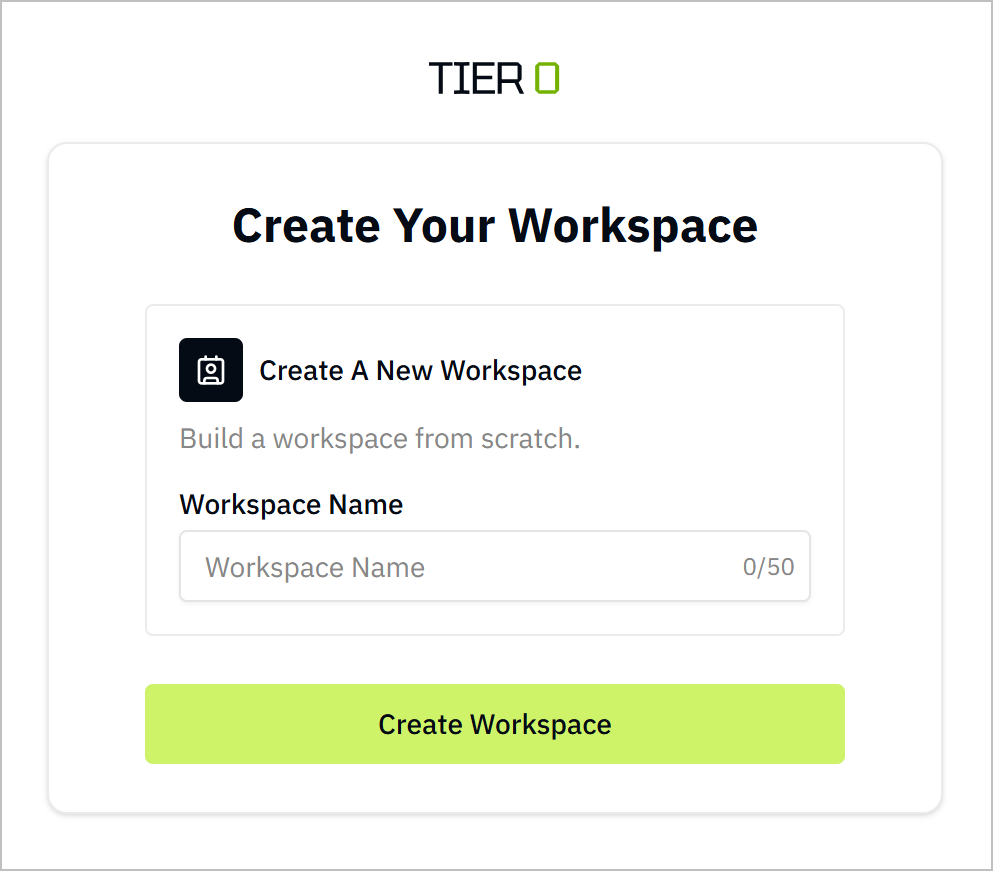
Set the workspace name and click Create Workspace.
-
-
-
Wait for the workspace to be ready, and you can start exploring the platform.