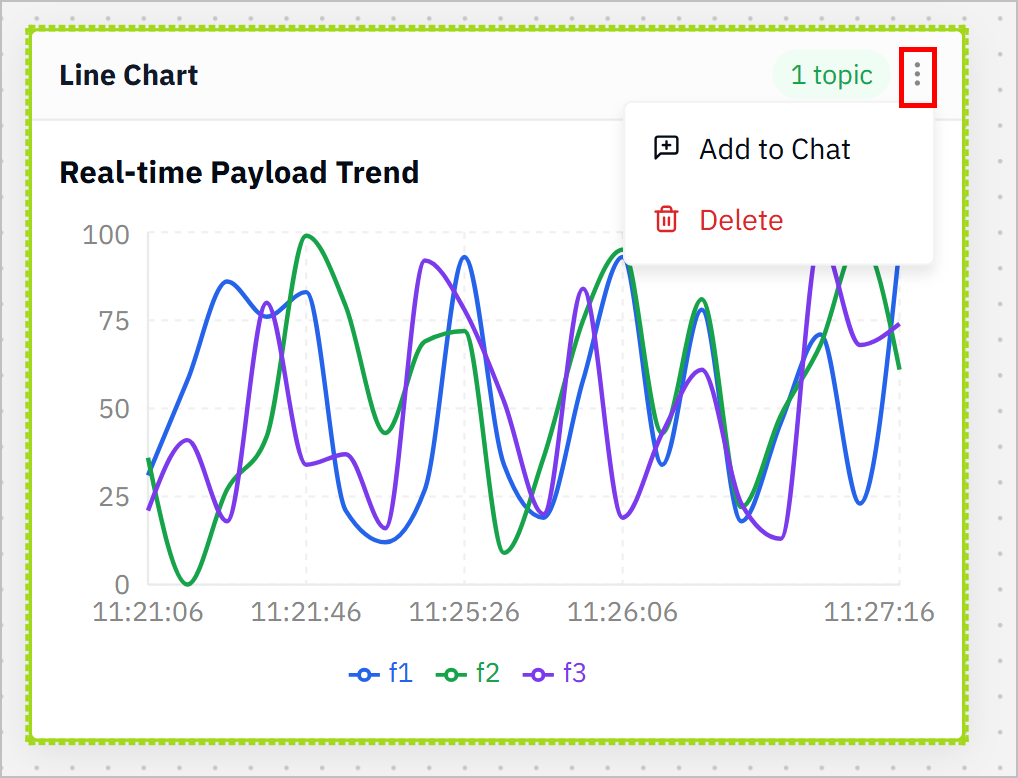
Tier0 adopts AI agent inside the UNS module, enabling you to interact with the UNS models simply by talking to the agent in natural language.
How to Talk to UNS Models
- Log in to Tier0, and then select UNS.
- Select the Canvas tab on the top, so that later you can see the cards generated by the agent based on your instruction.
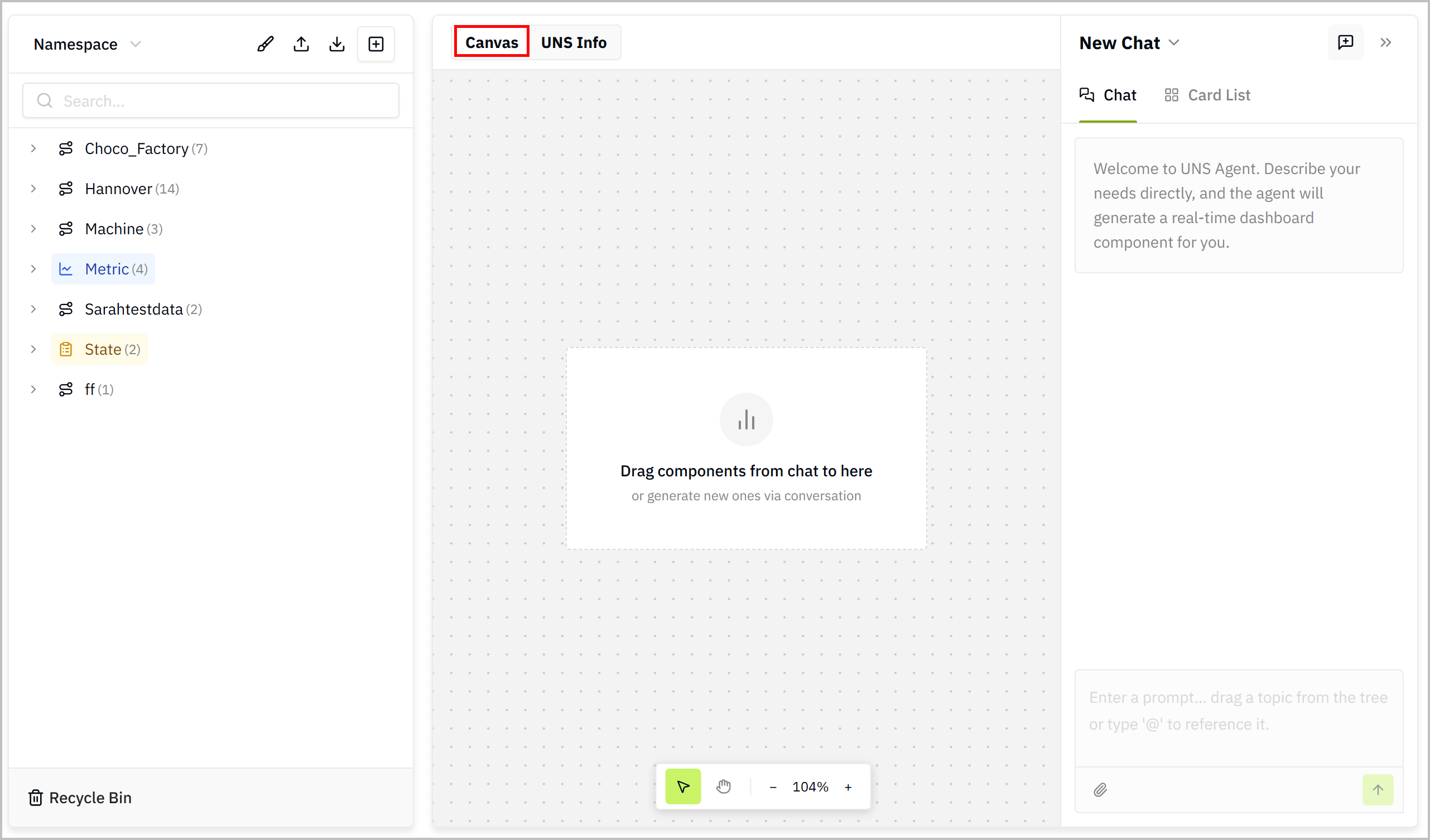
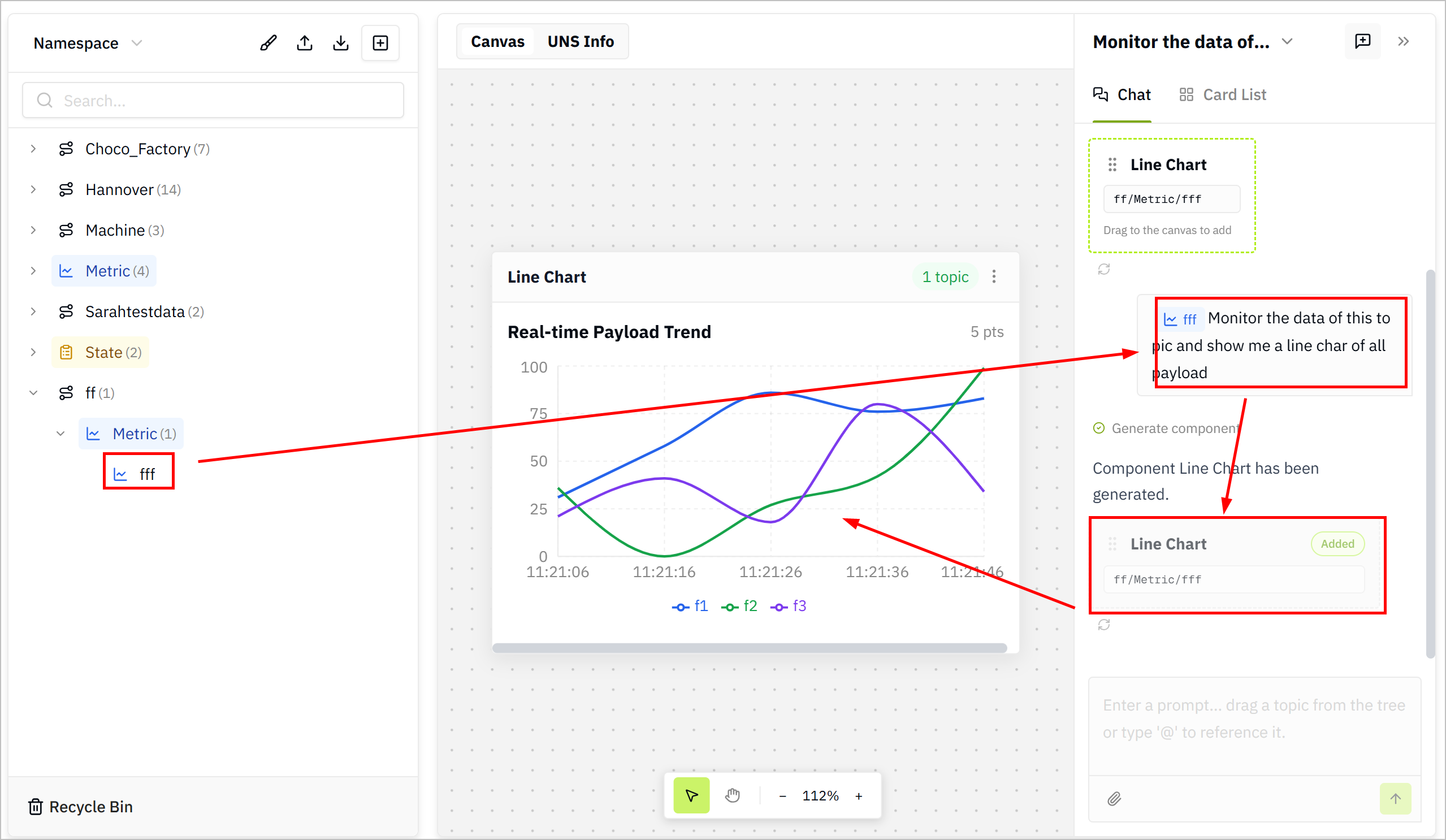
- In the chat window on the right, drag a topic from the left side and drop it into the input box or directly @ and select a topic for data reference, and then enter your instructions.
- Drag the cards generated based on your instructions to the canvas, and you can see the visualized data.
tip
- Click
 at the lower-left corner of the conversation message to send the last instruction again.
 - Click Card List at the top to see all the generated cards in the current session.
- Click
 at the upper-right corner to start a new session.
- (optional) Click
 at the upper-right corner of the card to add it to the chat or delete it.