View Audit Log
Tier0 provides an audit log to track all operations performed by users under the current workspace.
info
Only available for workspaces on the Scale plan.
Viewing Audit Logs
- Log in to Tier0, click your avatar at the upper-right corner, and then click Settings.
- Click Audit Logs under Workspace.
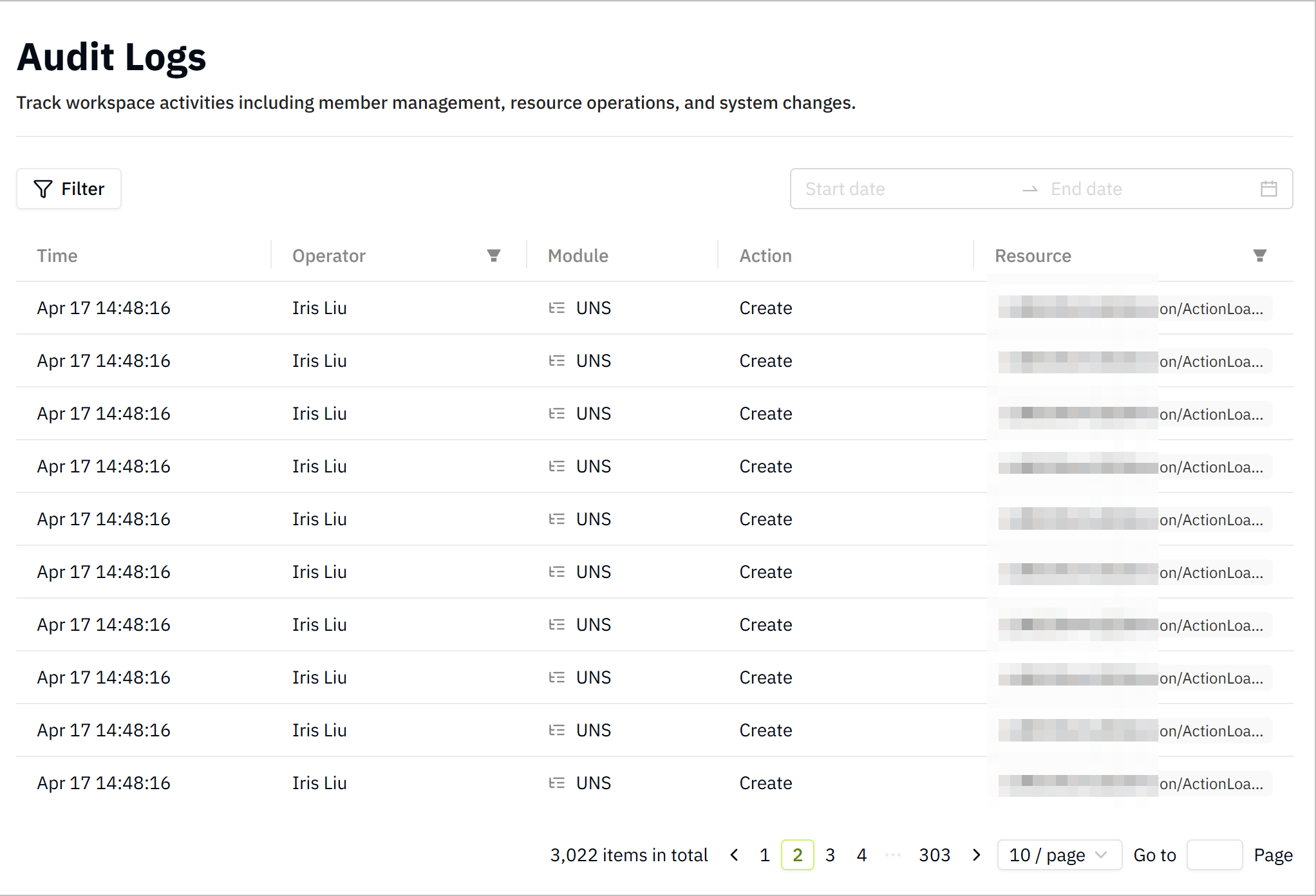
-
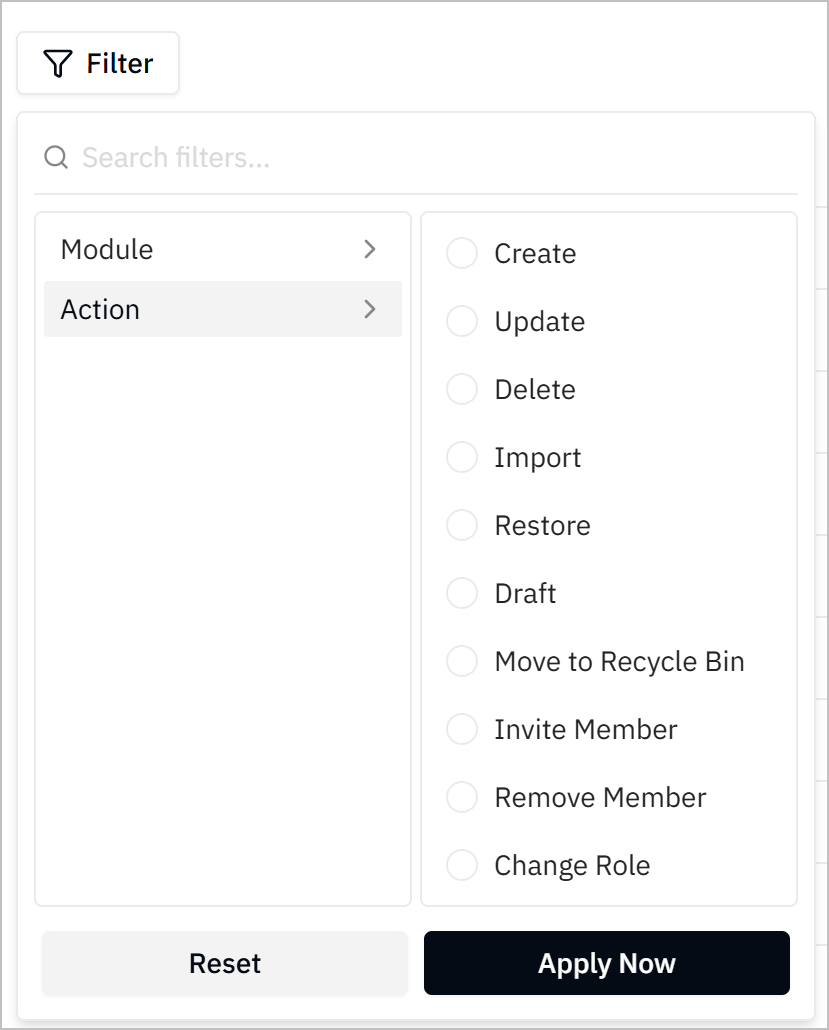
Click Filter, and set the filter conditions based on Module or Action to view specific logs.
-
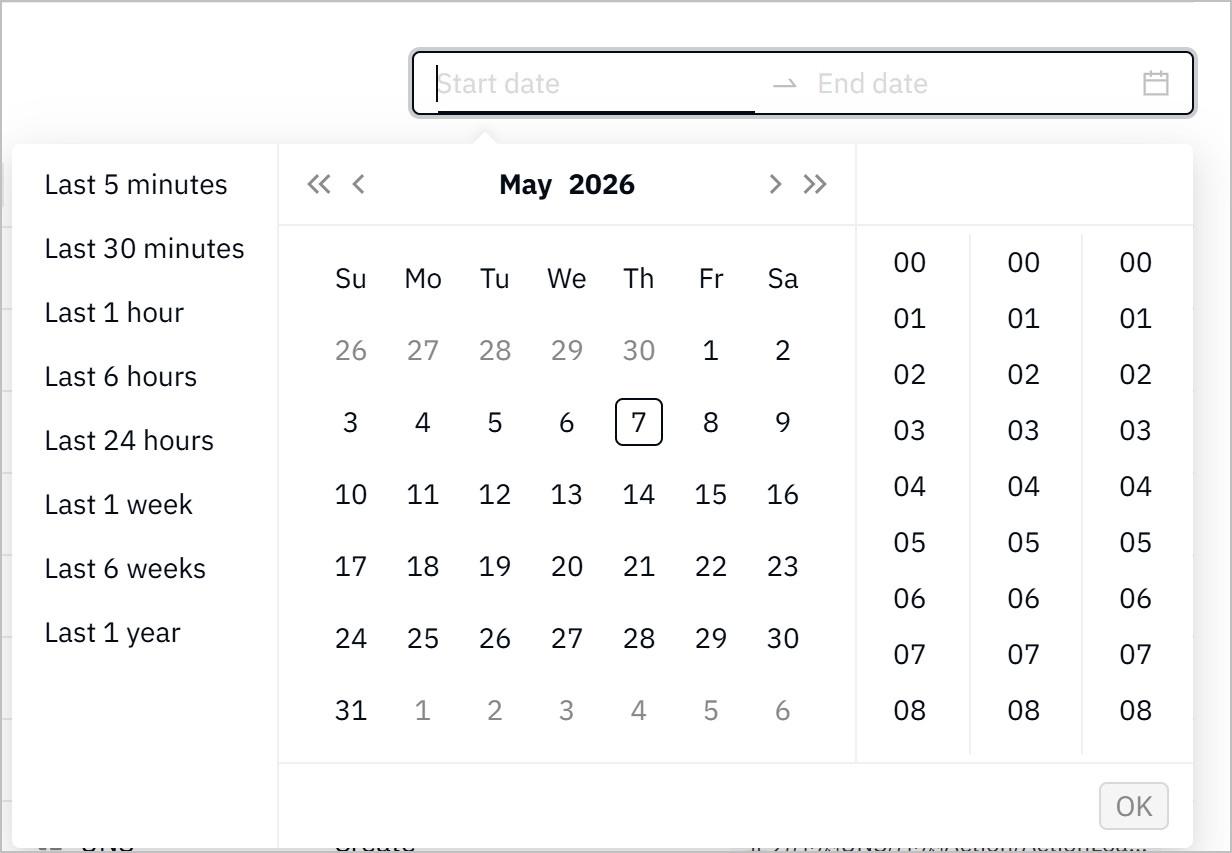
Set the start and end date to view logs within a specific time range.